Annotate
Annotating your recordings allows you to verify the search results, in addition to ensuring the quality of past annotations.
Annotating Search Results
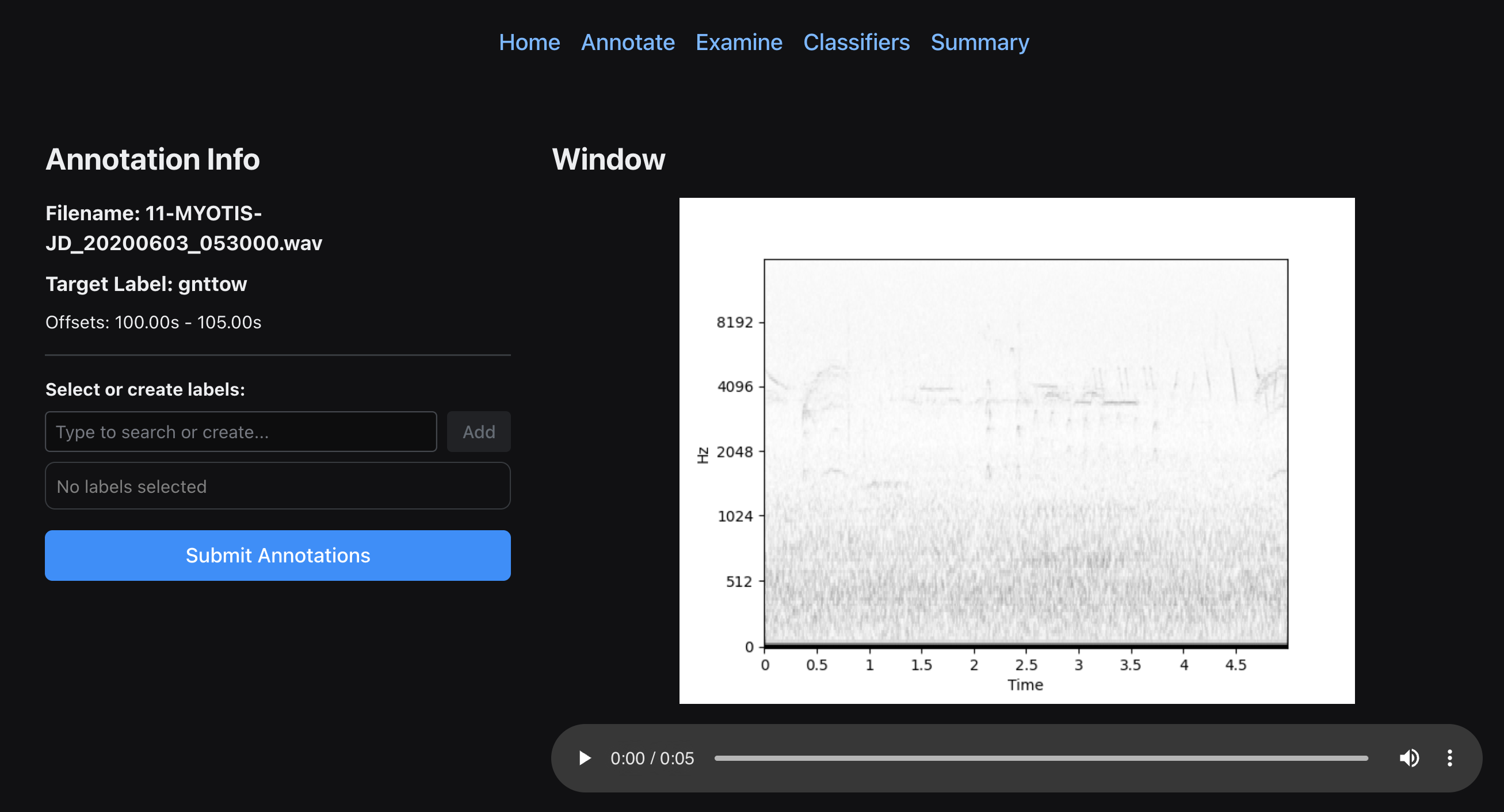
After searching, you will need to manually verify that the similar windows truely contain the focal species. Because we are building a multi-label classifier, you will also need to add additional species to the window in the case there are multiple species vocalizing in a given window.
To start the GUI, run the following command:
perch-analyzer gui --data_dir=<data-directory>
data_diris the directory used to setup a project.
Then navigate to the Annotate tab. The next possible example will appear, and you can add labels to the window. Make sure to add all vocalizing species!
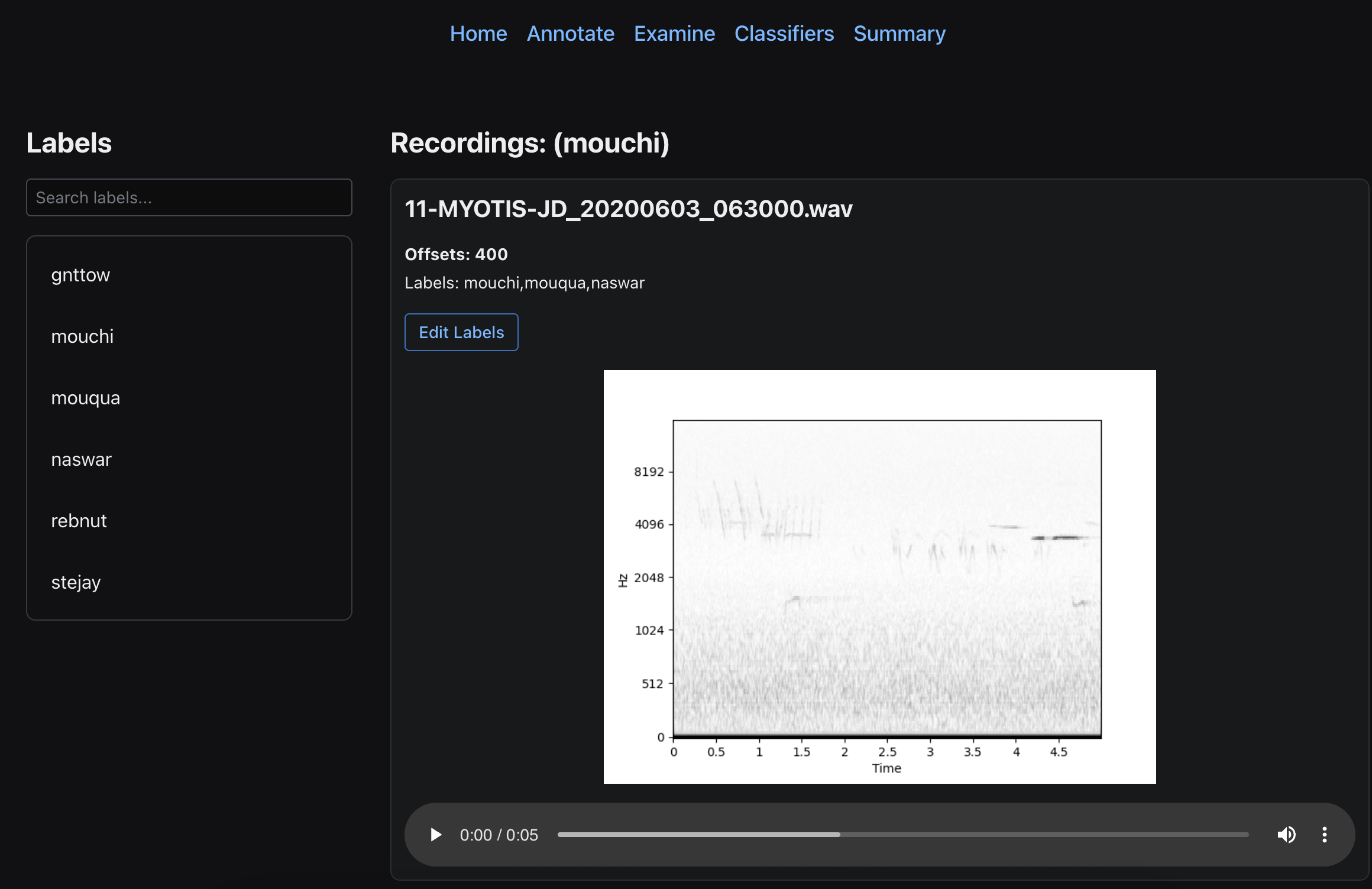
Examining Previous Annotations
After annotating a large enough batch of windows, you might want to look through your annotations to reverify their correctness. Open the Examine tab, and you will see the list of labels. Clicking on a label shows all of the windows annotated with the given label. Here you can relabel windows if necessary.